Free balance check guide
TNT Balance Inquiry: How to Check Your Load and Data Balance (2026)
- All Ways to Check Your TNT Balance
- Method 1: Dial *123#
- Method 2: The Smart App
- Method 3: My Smart and MyPLDTSmart
- Can You Check TNT Balance by Text?
- How to Check Your TNT Data Balance
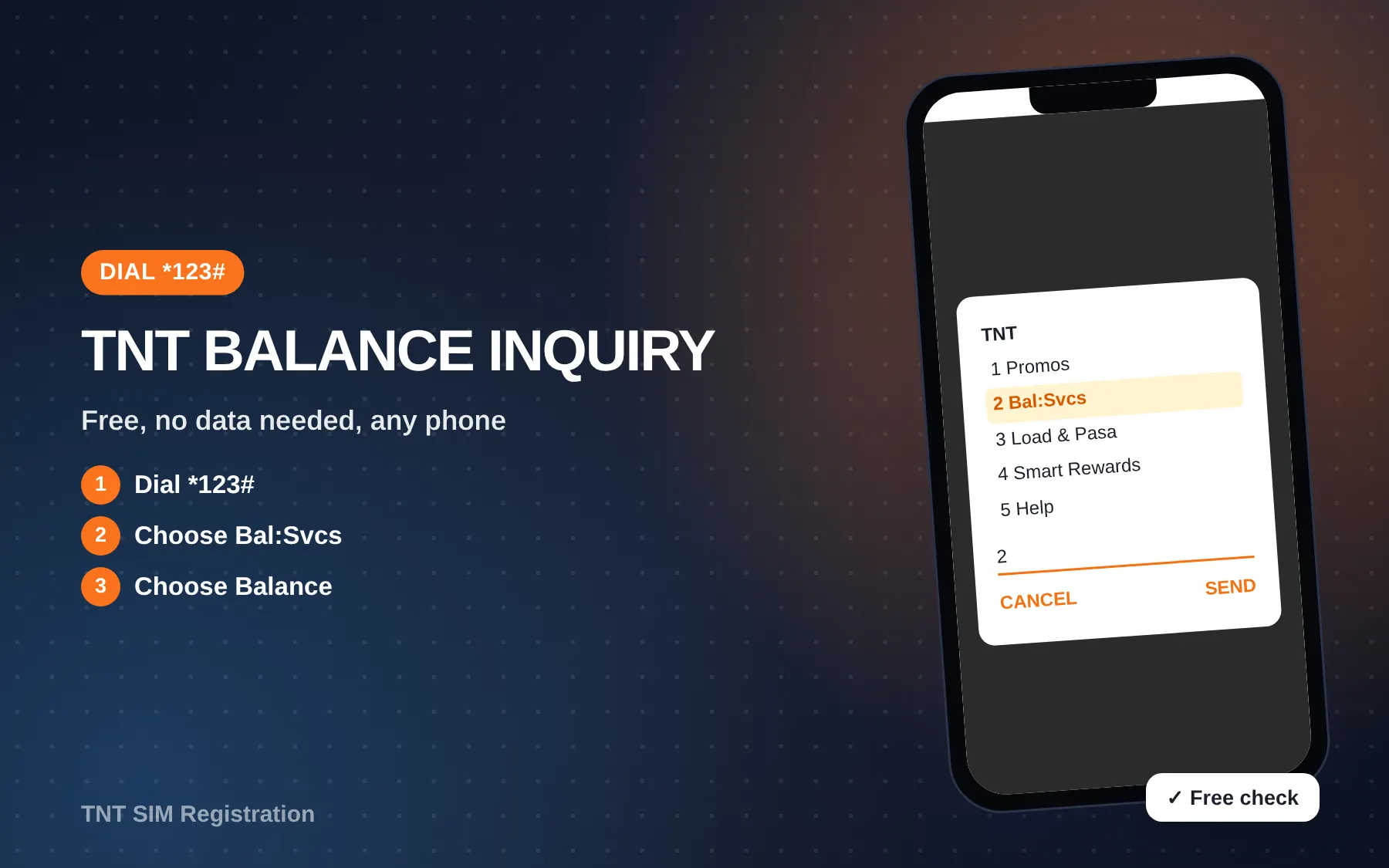
Quick answer: For a free TNT balance inquiry, dial *123#, choose Bal:Svcs, then choose Balance. Your regular load, promo balance and expiry dates appear on screen in a few seconds. If you have mobile data or Wi-Fi, open the Smart app and tap Check Usage on the home screen.
Running out of load in the middle of a call, or finding your data gone a day early, usually happens because nobody checked. This guide shows every official way to see what’s left on a TNT SIM, which method works with no signal or no data, how to read the result, and what to do when the numbers look wrong.
All Ways to Check Your TNT Balance
Smart, which runs TNT, lists four official ways to check load and subscriptions. Here is how they compare.
| Method | What to do | Needs data? | Cost | Best for |
|---|---|---|---|---|
| *123# menu | Dial *123# → Bal:Svcs → Balance | No | Free | Any phone, no signal for data |
| Smart app | Log in → Check Usage | Yes (or Wi-Fi) | Free | Seeing promos, data and expiry together |
| My Smart website | Log in at my.smart.com.ph | Yes | Free | Checking from a laptop |
| MyPLDTSmart app | Log in → overview screen | Yes | Free | Users who already have the app |
| Hotline *888 | Ask an agent | No | Toll-free from TNT | When the menus show an error |
Smart Help states that a TNT balance inquiry through *123#, the app, My Smart and MyPLDTSmart is free of regular load and data charges. So you can check as often as you like.
Method 1: Dial *123#
This is the fastest TNT balance inquiry, and it works on basic keypad phones too. You don’t need mobile data or an app.
- Open your phone’s dialer.
- Dial *123# and press call.
- Choose Bal:Svcs (reply with its number, then tap Send).
- Choose Balance.
- Read the screen. On some phones, a text message with the details also arrives.
The menu numbers can move when Smart adds new items, so always pick by name, not by number. On a dual-SIM phone, make sure the TNT SIM is the one dialing. Otherwise you’ll get the other SIM’s menu or an error.
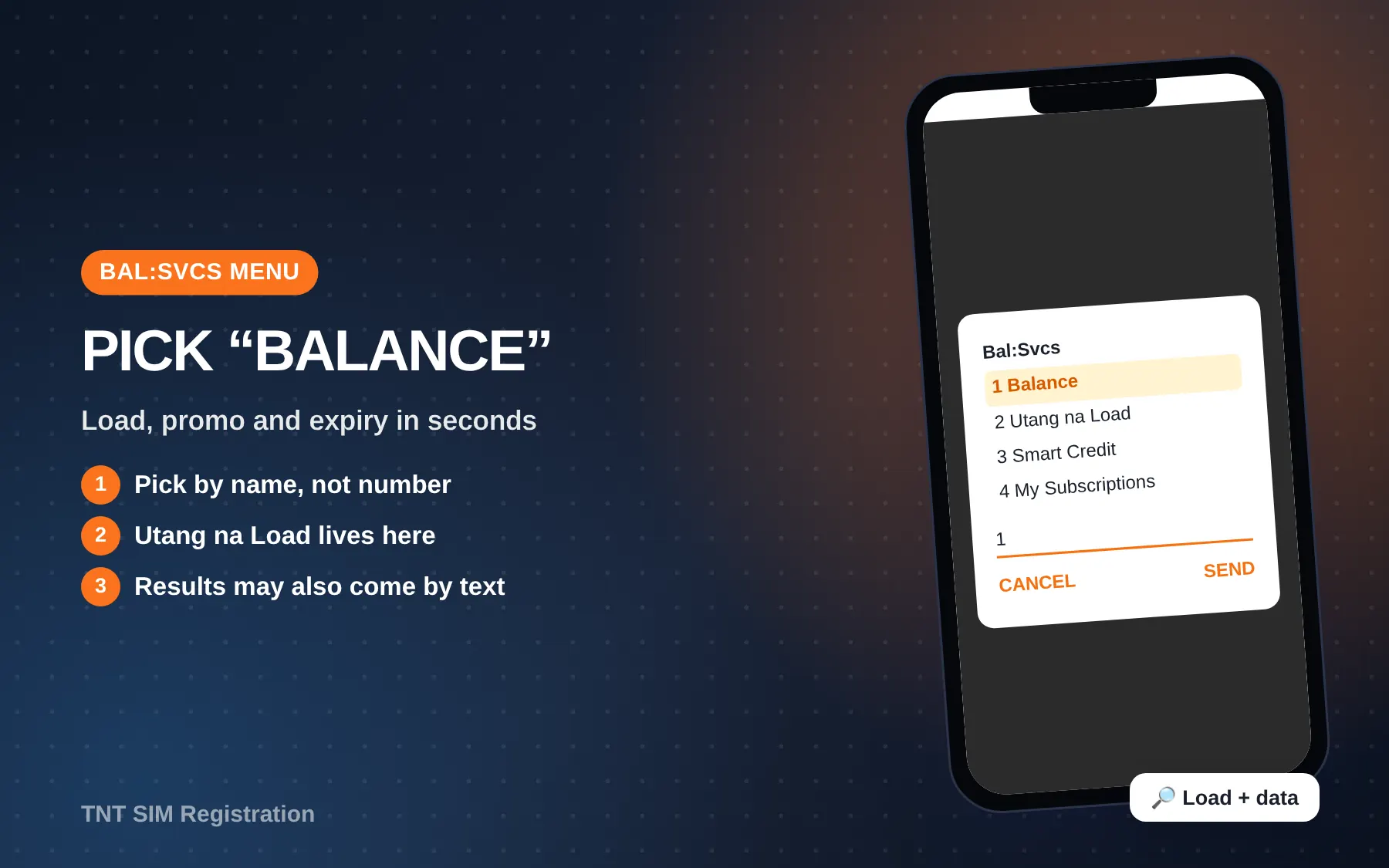
What else is in the Bal:Svcs menu
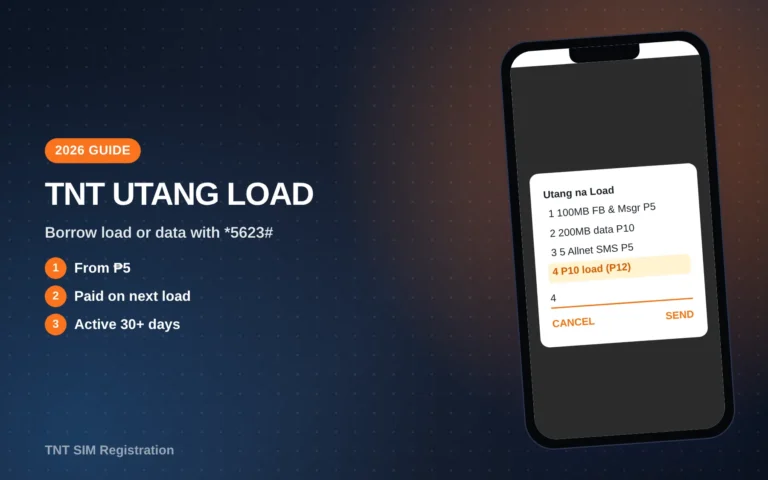
Bal:Svcs is also where TNT keeps a few other account tools. On TNT’s official pages you’ll find Utang na Load (borrowing load or a promo) and Smart Credit under this same menu. If you’ve run out and can’t load right away, see our TNT Utang Load guide.
Method 2: The Smart App
For a TNT balance inquiry with every detail, the Smart app (formerly GigaLife) gives the most complete picture, because it shows each promo separately with its own expiry.
- Download the Smart app from Google Play or the App Store.
- Sign in with your TNT number and the one-time PIN sent by text.
- On the home screen, tap Check Usage.
- Scroll to see regular load, open-access data, app data (TikTok, Facebook and so on) and when each one expires.
TNT says using the Smart app doesn’t eat your data, as long as mobile data is on and no other apps are running in the background. The app is also where you can register promos and do Pasa Load, so it’s worth keeping.
When the app is the better choice
Use the app when you have more than one promo active. TNT says data from overlapping promos adds up, and the validity follows the promo that ends last. The *123# screen can lump things together, while the app breaks them down.
Method 3: My Smart and MyPLDTSmart
If you want to do a TNT balance inquiry on a laptop, log in at my.smart.com.ph. You need to register and link your number the first time. After that, the balance shows on the dashboard.
Smart also lists the MyPLDTSmart app, where the overview screen shows your account balance. It’s handy if your family already uses it for a PLDT Home line.
Can You Check TNT Balance by Text?
Many blogs say you can text BAL to 214 for a TNT balance inquiry. Smart’s own help page for checking load and subscriptions does not list any SMS method. It lists only *123#, the Smart app, My Smart and MyPLDTSmart.
Note: We couldn’t confirm an official SMS balance code on tntph.com or Smart Help as of October 2026. If you try “BAL to 214” and it doesn’t reply, use *123# instead. It’s free and official.
You may also see codes such as *143#, *121# or “BAL to 4545” on other sites. These aren’t on TNT’s current official pages either, so we don’t recommend relying on them.
How to Check Your TNT Data Balance
A TNT balance inquiry shows data in the same places as load:
- *123# → Bal:Svcs → Balance shows your active promo and what’s left.
- Smart app → Check Usage shows each data bucket, including 5G data, app data and shareable data.
- Text alerts. TNT says you get two automatic texts per promo: one when your data is almost used up and one when it’s gone.
| Data type | Where you’ll see it | Can you share it? |
|---|---|---|
| Open-access data | *123# and app | Only “Shareable Data” can be passed (PasaData) |
| App data (TikTok, FB, ML, IG) | App shows each one | No |
| 5G data | App, labeled 5G | No |
| Magic Data (no expiry) | App and *123# | No |
If your promo includes shareable data, you can pass some of it with PasaData. Our Pasaload in TNT guide covers both load and data sharing.
How to Read Your Balance
The results use a few terms that confuse people:
- Regular load. The peso balance you bought. TNT’s site says regular load is valid for 365 days.
- Promo Load. Bonus load from Promo Load bundles. TNT says it lasts 30 days and can only be used for promos up to 30 days, plus regular calls and texts. It can’t be passed with Pasa Load.
- Promo or subscription. Your active bundle (for example SurfSaya 30), with its own expiry.
- Expiry. The date and time a promo ends. Unused data or minutes expire with it.
Keep an eye on the gap between load and promo. Your promo can end while your peso load stays, and the next call or browse then comes out of your regular load at standard rates.
Balance Looks Wrong? Common Causes
When a TNT balance inquiry shows less than you expected, it’s usually one of these:
- Data ran with no promo. If a promo expired and mobile data stayed on, browsing comes out of regular load. Turn data off when your promo ends.
- Promo Load used first. TNT deducts Promo Load before regular load when you register a promo.
- An Utang na Load was collected. If you borrowed load, TNT takes the amount back on your next top-up.
- A Pasa Load fee. Every Pasa Load costs P1 on top of the amount sent.
- Paid content subscriptions. Value-added services can charge your load. Check the Smart app or call *888 if you see repeated small deductions.
- The load hasn’t posted yet. Wait a few minutes after buying from a store or e-wallet, then check again.
If the deduction still makes no sense, call *888 with the date and amount. You can find all the other channels on our TNT help number page.
Fixes When *123# Won’t Open
| Problem | What to try |
|---|---|
| “Connection problem or invalid MMI code” | Restart the phone, check signal, then dial again |
| Wrong menu appears | Set the TNT SIM as the default for calls on dual-SIM phones |
| Menu times out | Reply faster. USSD sessions close after a short pause |
| Nothing works | Check that the SIM is registered and active, then try the Smart app |
An unregistered SIM won’t work at all, so if your SIM is new, start with our TNT SIM registration guide.
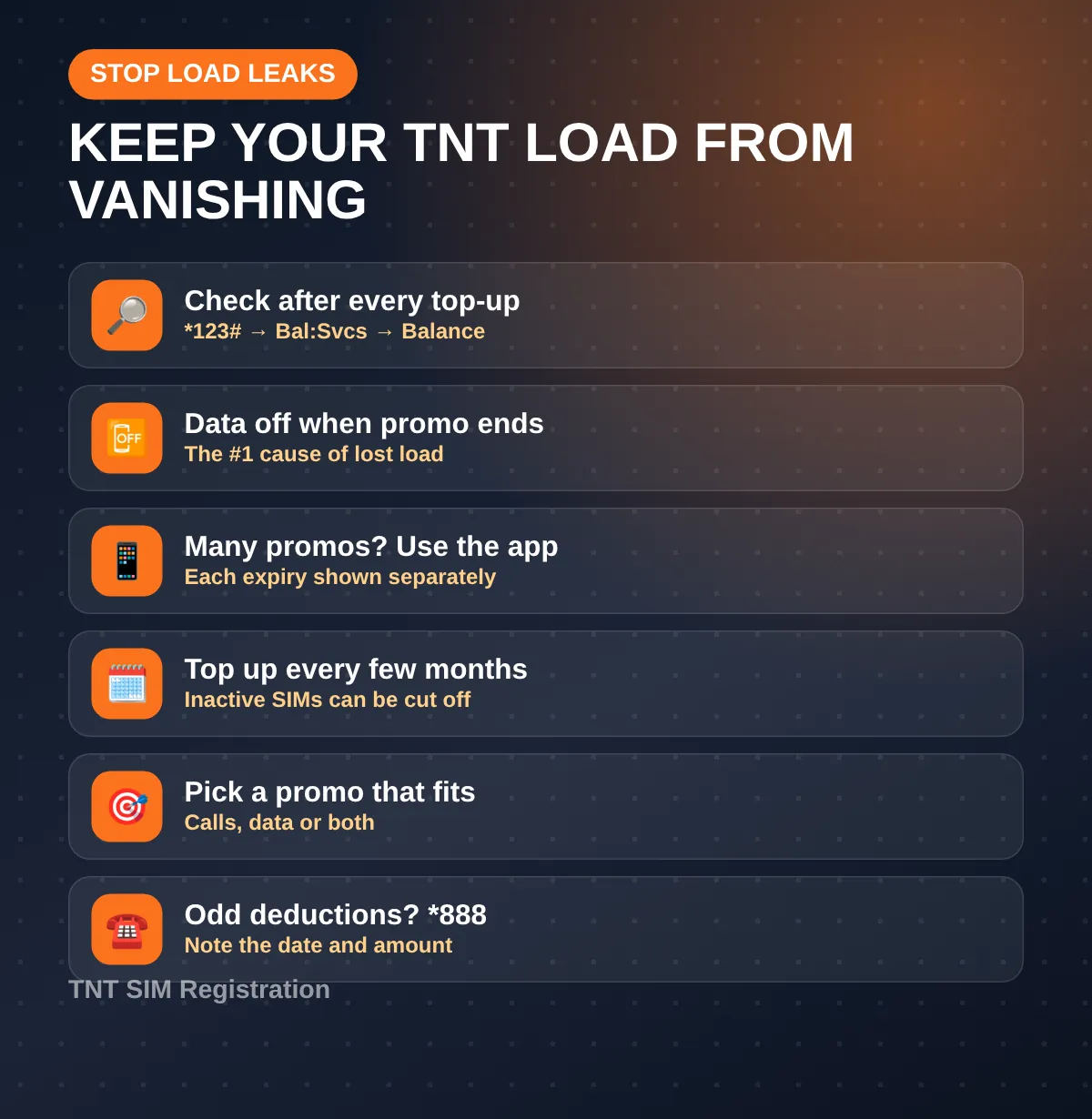
Habits That Stop Load from Vanishing
- Check after every top-up and promo. It takes ten seconds and catches mistakes early.
- Turn off data when the promo ends. This is the single most common reason load disappears.
- Use the app for multiple promos. It shows each expiry separately.
- Keep the SIM active. TNT’s 2025 terms say a prepaid SIM with no top-up for 120 days can be disconnected, so a small load every few months keeps your number.
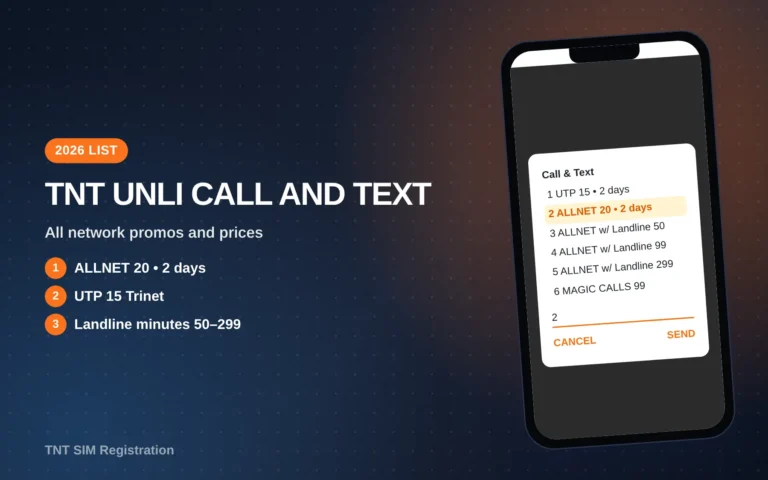
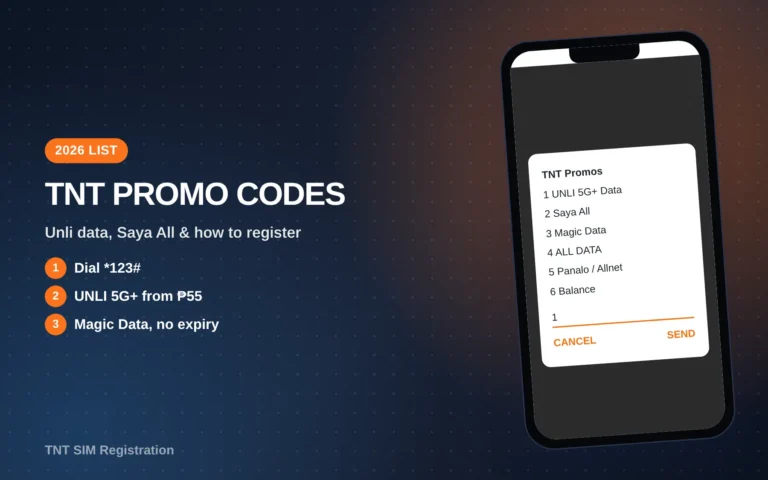
- Pick a promo that fits. Our TNT promo codes list and the TNT unli call and text guide help you choose.
Balance Codes: Official vs. Not Listed
Search results are full of balance codes, and many of them conflict. Here’s how they line up against TNT’s and Smart’s own pages as of October 2026.
| Code you’ll see online | Listed on tntph.com or Smart Help? | Our advice |
|---|---|---|
| *123# → Bal:Svcs → Balance | Yes | Use this first |
| Smart app → Check Usage | Yes | Use when you have data |
| my.smart.com.ph | Yes | Use on a laptop |
| BAL to 214 | No | Try it if you like, but don’t depend on it |
| *143#, *121#, *152# | No | Skip. These aren’t on TNT’s current pages |
| BAL to 4545 | No | Skip. 4545 isn’t listed for promos either |
| SAKLOLOAD BAL to 7676 | Yes, but only for your loan balance | Use only if you borrowed load |
The last row trips people up. Texting SAKLOLOAD BAL to 7676 shows how much you owe from Utang na Load. It doesn’t show your regular load.
How Long Your Load Lasts
A TNT balance inquiry shows an expiry next to each item. These are the validity rules TNT publishes for load.
| Load type | Validity (per tntph.com) | Notes |
|---|---|---|
| Regular load | 365 days | Can be used for anything, including Pasa Load |
| Promo Load 100 to 500 | 30 days | Comes with free extra load, e.g. 500 becomes 555 |
| Promo Load 1000 and 3000 | 60 days | 1000 becomes 1150, 3000 becomes 3500 |
| Promo Load 5000 | 180 days | 5000 becomes 6000 |
| Pasa Load received by SMS | 3 to 60 days, depending on amount | P2–P10 last 3 days, P100–P200 last 60 days |
TNT’s Promo Load page also shows dates from December 2023 to June 2024, so some of those bundles may no longer be sold. The validity rules for load you already hold still apply.
Checking Balance After Loading Through GCash or Maya
TNT’s own promo pages show that you can buy load and promos for a TNT number in GCash and Maya. After paying, wait for the confirmation text from TNT, then run a balance check with *123# to make sure the load or promo actually landed.
If the e-wallet says “successful” but your balance didn’t change after about 15 minutes, keep the reference number. Contact the e-wallet first, since the payment went through them. Then call *888 if they confirm the load was sent.
Video Walkthrough
How to Check Balance Inquiry in Talk n’ Text Using *123# (Richard Cabile) shows the *123# menu on a real TNT SIM. Menu numbers may differ on your phone, so pick by name.
 How to Check Balance Inquiry in Talk n' Text Using *123#
FAQs
Is a TNT balance inquiry free?
Yes. Smart says checking through *123#, the Smart app, My Smart and MyPLDTSmart doesn’t use your load or data.
Can I do a TNT balance inquiry with zero load?
Yes. *123# works with zero load, as long as the SIM is active and registered.
How do I check my balance without internet?
Dial *123#, choose Bal:Svcs, then Balance. It uses the phone network, not mobile data.
Why does my balance show a promo I didn’t buy?
You may have registered it by mistake through *123# or the app. If you didn’t, call *888 and ask them to check and remove it.
Does checking the balance work while roaming?
The Smart app works over Wi-Fi abroad. We couldn’t confirm an official roaming USSD code, so use the app or call (02) 8888-1111.
Conclusion
You can now run a TNT balance inquiry in under a minute: *123# when you have no data, the Smart app when you want the full breakdown, and *888 when something looks wrong. You also know how to read the result and stop the usual leaks, like data running after a promo ends.
Last verified: October 17, 2026, against Smart Help (“How to Check Your Smart Prepaid Load Balance and Subscriptions”) and tntph.com’s Other Services page.