Step-by-step eSIM guide
TNT eSIM 2026: How to Buy, Activate, Register and Keep Your Number
- What Is a TNT eSIM?
- Is Your Phone eSIM-Ready?
- Price and Where to Buy
- How to Buy One Online
- How to Install and Activate It
- How to Register Your eSIM
Quick answer: A TNT eSIM is a digital SIM that you install by scanning a QR code instead of inserting a card. You can buy a new one on the Smart Online Store, or upgrade your current TNT SIM to eSIM and keep the same number for ₱89 at any Smart Store. Scan the QR on an eSIM-capable phone, then register a new eSIM at simreg.smart.com.ph.
Newer iPhones, Pixels and Samsung flagships all support eSIM, but most guides stop at “buy it online.” This one also covers keeping your old number, switching from Globe or DITO for free, moving to a new phone, and the “not eligible” error people keep hitting.
What Is a TNT eSIM?
It’s the same TNT prepaid service, with the SIM stored inside your phone as a downloadable profile. You get a regular TNT number, and you load it and subscribe to promos just like a physical SIM.
TNT sells it in three forms:
- Digital eSIM: bought online, with the QR code sent to your email.
- Carded eSIM: a card with the QR printed on it, sold in stores, sometimes bundled with load.
- Upgrade: your existing TNT number moved onto an eSIM.
Is Your Phone eSIM-Ready?
Smart’s own help page gives the simplest test: dial *#06#. If you see an EID number, your phone supports eSIM. No EID means no eSIM.
You can also look in settings:
- iPhone: Settings > Cellular (or Mobile Data). Look for “Add eSIM”.
- Android: Settings > Connections or Network > SIM manager. Look for “Add eSIM” or “Download a SIM”.
Phones bought abroad from a carrier may be locked, so check that yours is network-unlocked first. Some budget phones and some units made for certain markets have no eSIM at all.
Price and Where to Buy
| Product | Price | Where | What you get |
|---|---|---|---|
| TNT eSIM, digital (new number) | ₱75 on the Smart Online Store (checked Oct 14, 2026) | store.smart.com.ph | QR by email, plus up to 21 GB free data and free calls and texts for 7 days |
| Carded eSIM + ₱300 load card | ₱389 | Smart Stores, Smart Online Store, Smart’s official Lazada, Shopee and TikTok Shop stores, SM and selected retailers | Printed QR plus ₱300 load |
| Physical SIM to eSIM upgrade (same number) | ₱89 | Any Smart Store, or online through MySmart | Your current number on an eSIM |
| Port from another network to an eSIM | Free | Any Smart Store | Your Globe/DITO number on an eSIM |
TNT’s own info page still lists ₱89 for the digital eSIM, while the online store charges ₱75 today. Go by the checkout price.
Buy only from official channels. Each QR works once, so a screenshot from a stranger may already be used.
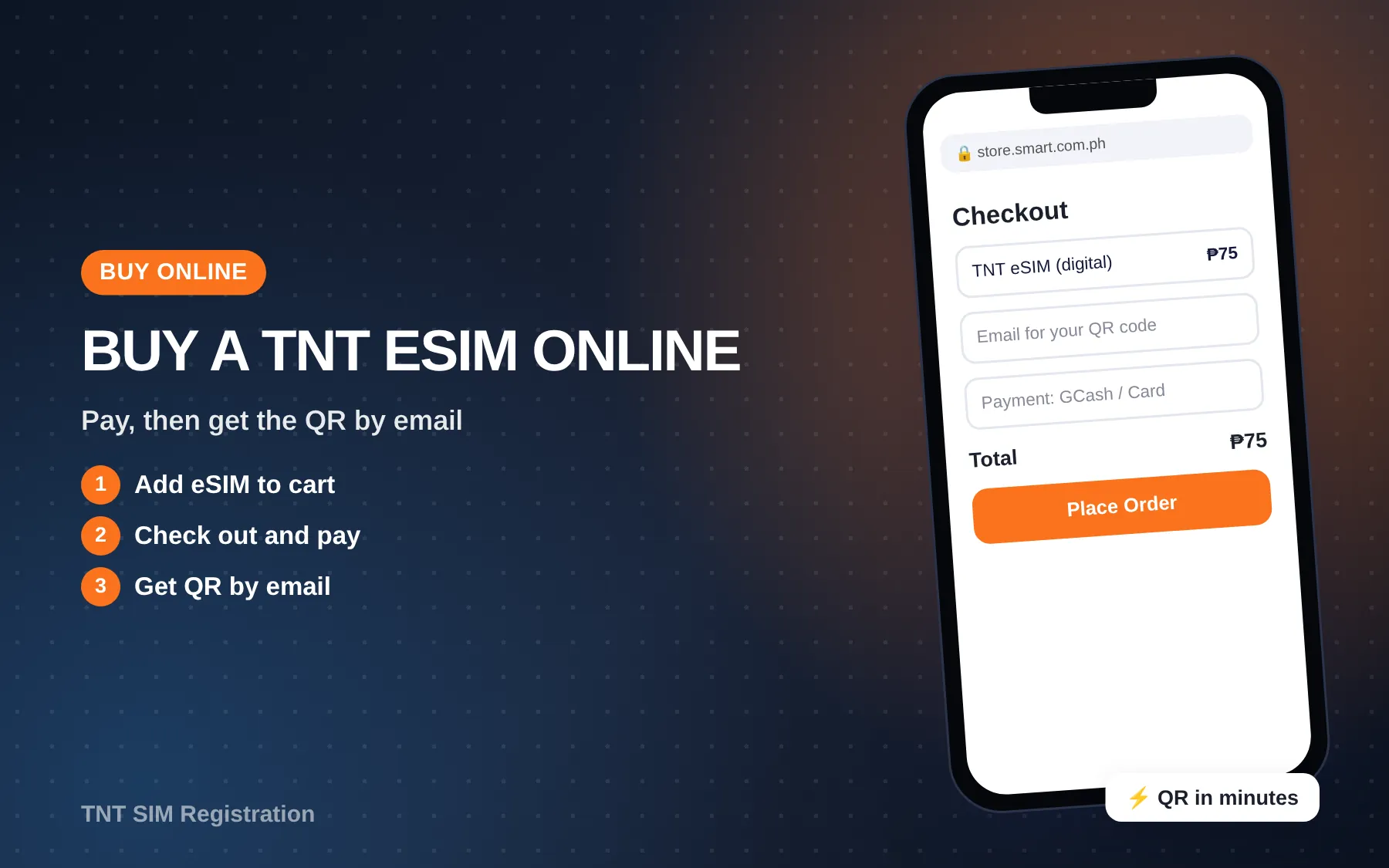
How to Buy One Online
These steps follow TNT’s own instructions for the Smart Online Store:
- Go to the Smart Online Store and find the Prepaid Digital eSIM under TNT.
- Tap Continue on the reminder pop-up, then Add to Cart.
- Open the cart and tap Check Out and Pay.
- Enter an alternate mobile number (any local or foreign 10-digit number) and your email address.
- Type in the OTP sent to your email.
- Pay by card, GCash, Maya, QRPh, cash on delivery or another listed option.
- Wait for the email with your QR code. You can also open it from the store’s success page.
How to Install and Activate It
Connect to Wi-Fi first, since the phone needs internet to download the profile. Smart’s help page stresses a stable Wi-Fi connection during activation.
On iPhone
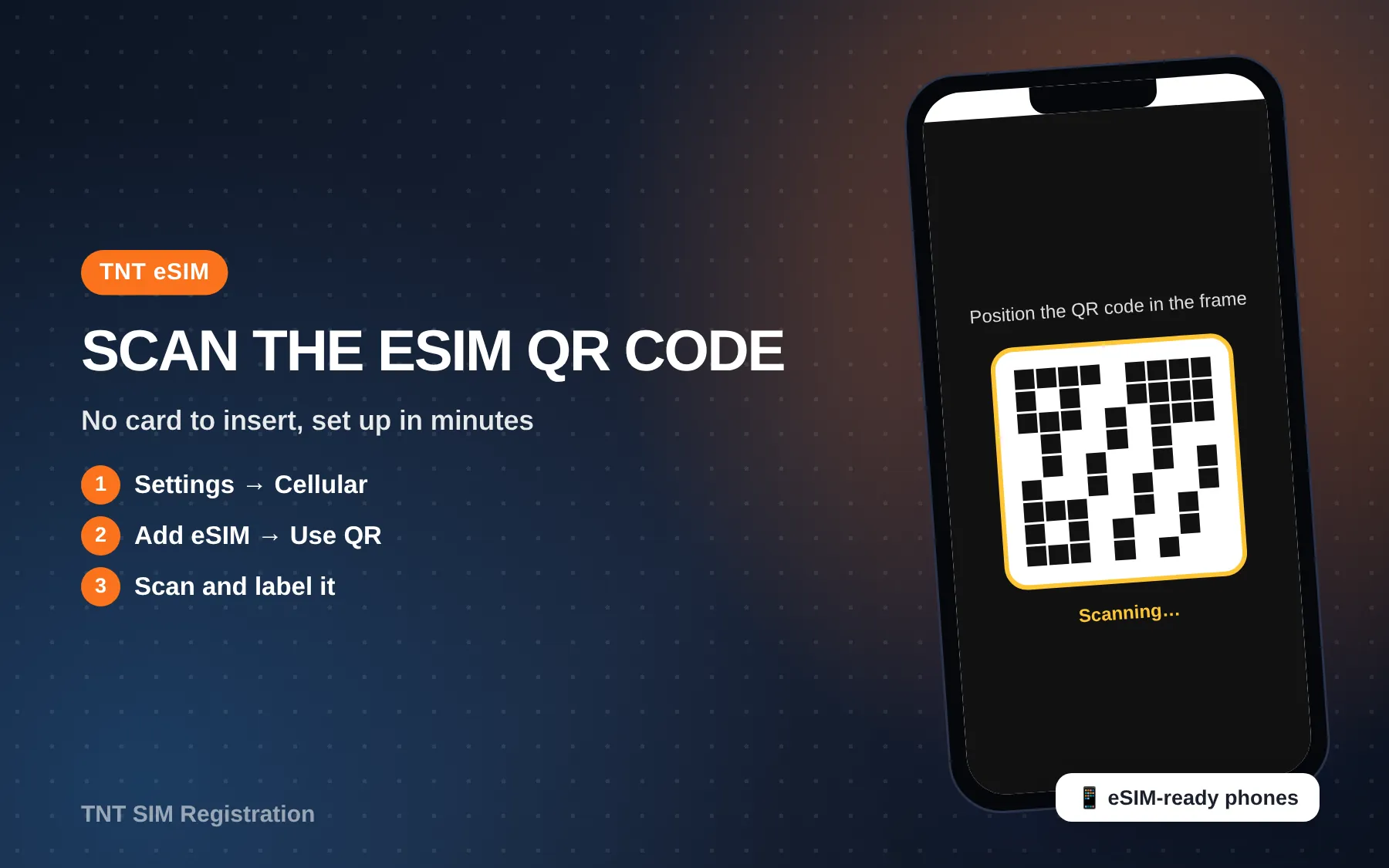
- Settings > Cellular > Add eSIM > Use QR Code.
- Scan the QR from the email (show it on another screen or print it).
- Label the line, for example “TNT”, and pick it for data if you want.
On Android (Samsung, Pixel and others)
- Settings > Connections > SIM manager > Add eSIM (Samsung), or Network & internet > SIMs > Download a SIM (Pixel).
- Scan the QR and confirm the download.
- Turn the new line on.
Don’t delete the profile while you test things. Deleting it usually means asking Smart for a new QR.
How to Register Your eSIM
A new-number eSIM must be registered before it fully works, like any new SIM. Go to simreg.smart.com.ph, enter the new number, verify the OTP, fill in your details, upload a valid ID and take a selfie.
Our step-by-step registration guide walks through every screen, the valid IDs and the OTP fixes. Once you’re approved, restart the phone and test a call.
If you upgraded an existing number, the registration already linked to that number stays with it, so you don’t start from scratch.
Keep Your Number: Physical SIM to eSIM
This is the question people ask most, and the answer is yes. TNT’s FAQ says you can upgrade your TNT physical SIM to an eSIM with the same mobile number at any Smart Store nationwide for ₱89.
At a Smart Store
- Bring your physical SIM, a valid government ID, an active email address and your eSIM-capable phone.
- Pay the ₱89 fee.
- Get the QR by email and scan it.
Online through MySmart
Smart’s help page also shows an online route for Smart Prepaid and TNT:
- Log in to MySmart (my.smart.com.ph) or create an account.
- Tap the … menu and choose Upgrade SIM.
- Verify with the OTP sent to your number, then verify your email with a second OTP.
- Submit, and wait for the QR in your email.
Heads-up: your old physical SIM stops working once the eSIM QR is sent, so do this when you’re ready to scan right away.
From what users report on r/InternetPH, the online upgrade doesn’t work for every number. Some get “not eligible for an eSIM upgrade at this time” and are told to visit a store with two valid IDs. Others say the page only loaded on a desktop browser or in incognito mode. Load and active promos carried over for the people who made it through.
Switching from Globe or DITO
You can move a non-Smart number onto a TNT eSIM for free through Mobile Number Portability (MNP):
- Get your Unique Subscriber Code (USC) from your current network. It’s a 9-digit code, valid for 15 days.
- Go to a Smart Store with the USC, your current SIM, a valid ID and an unlocked eSIM-capable phone.
- Wait for the text confirming that the port went through.
New Phone, Lost Phone, Back to a Physical SIM
- New phone: a QR you’ve already used won’t install again. Ask Smart for a replacement QR at a Smart Store.
- Lost or broken phone: TNT says a Smart officer can issue a replacement eSIM QR with your same number. Bring your ID.
- Back to a physical SIM: you can switch, but TNT notes the old eSIM QR stops working once your number moves to a card. Going back to eSIM later means another ₱89 upgrade.
eSIM vs Physical SIM
| eSIM | Physical SIM | |
|---|---|---|
| Delivery | QR by email in minutes | Store pickup or shipping |
| Phone support | eSIM-capable phones only | Almost any phone |
| Theft | Can’t be pulled out and used in another phone | Can be removed |
| Switching phones | Needs a new QR or a transfer | Just move the card |
| Dual SIM | Keep a physical SIM plus the eSIM | Needs two slots |
The eSIM is great for travellers and dual-SIM users. A physical SIM is simpler if you change phones often.
Security tips
- Treat the QR like a key, and don’t post it or forward it.
- Delete the QR email after you’ve installed and tested the eSIM, or move it somewhere safe.
- Set a SIM PIN in your phone settings for extra protection.
Problems and Fixes
- “This code is no longer valid”: the QR was already used. Contact Smart with your order or reference details.
- “Activating…” then no service: wait. One r/InternetPH user was told by Smart that a transfer can take up to 48 hours.
- Not eligible to upgrade online: go to a Smart Store with two valid IDs.
- No signal after install: check that the eSIM line is on and that a new number has been registered.
- Can’t add eSIM at all: dial *#06# and check for an EID. The phone may also be locked.
Still stuck? Our guide to TNT support channels lists *888, (02) 8888-1111 and Messenger.
Video Guide
Smart Multi SIM / TNT eSIM-dot: How to Install eSIM and FAQs (Pinoy Tech Monkey) shows the install screens on a real phone.
 Smart Multi SIM / TNT eSIM-dot: How to Install eSIM and FAQs
FAQs
How much is a TNT eSIM?
₱75 for a new digital eSIM on the Smart Online Store (as of Oct 14, 2026), ₱389 for the carded eSIM with ₱300 load, and ₱89 to upgrade your current number.
Can I keep my number when switching to eSIM?
Yes. Upgrade at a Smart Store or through MySmart for ₱89. Your number, load and registration stay the same.
Do I need to register my eSIM?
A new-number eSIM, yes, like every SIM under RA 11934. An upgraded number keeps its existing registration.
Can I use promos on an eSIM?
Yes. It’s normal TNT prepaid. See our list of current promos.
Conclusion
You can now check whether your phone supports a TNT eSIM, buy one from an official channel, install it on iPhone or Android, register it, and keep your old number for ₱89 instead of getting a new one by accident. If the online upgrade says “not eligible,” a Smart Store visit with two IDs sorts it out.
Last verified: October 14, 2026, against tntph.com (SIM and MNP pages), Smart Help and the Smart Online Store.