Borrow load guide
TNT Utang Load: How to Borrow Load or Data in 2026
- What Is TNT Utang na Load?
- Who Can Borrow?
- Utang na Load Offers and Fees
- How to Borrow Load in TNT
- How to Check Your Loan Balance
- How to Pay Back Your Utang
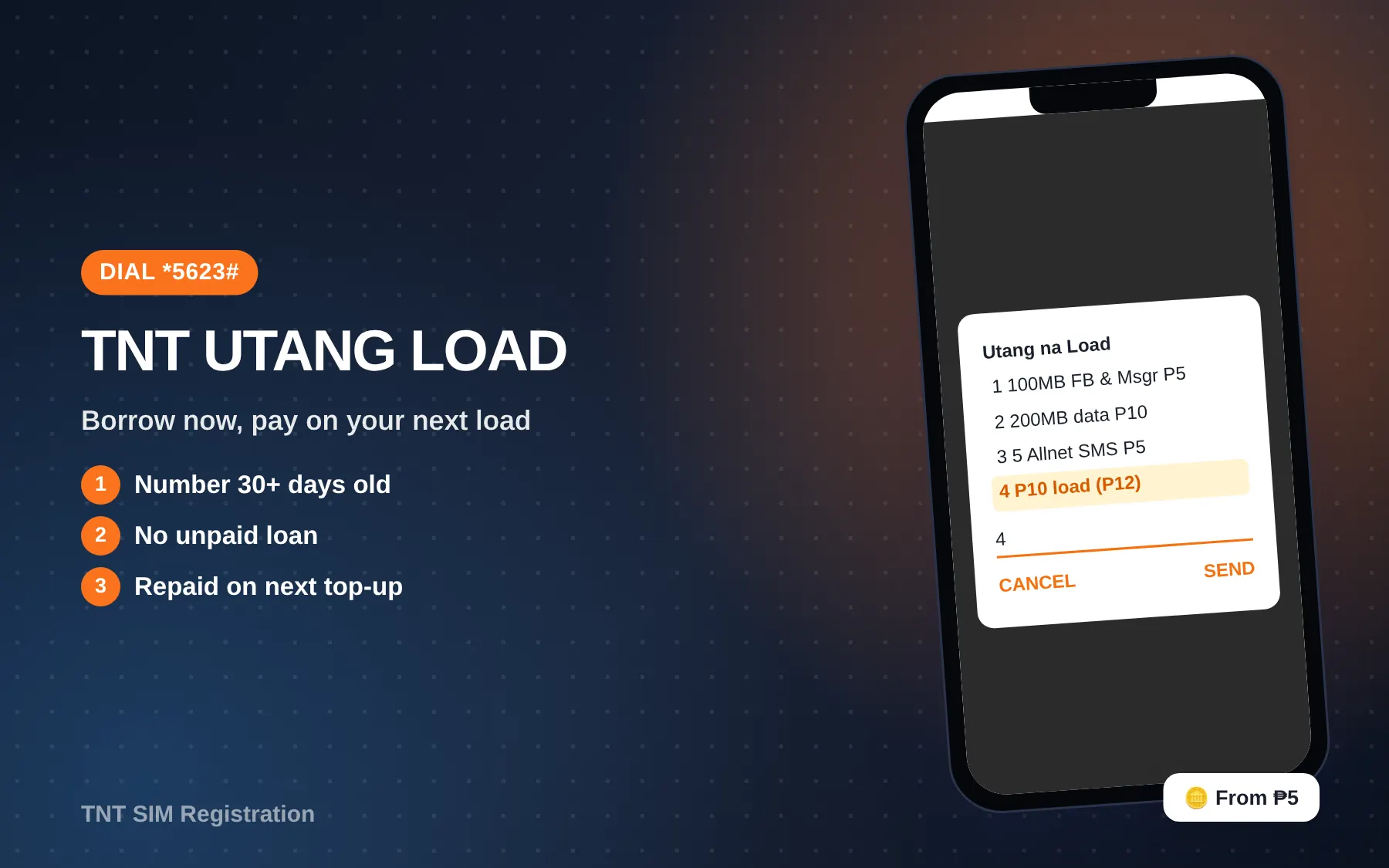
Quick answer: To get a TNT utang load, dial *5623#, select 1 to continue, pick an offer, then select 1 to confirm. You can borrow 100 MB for Facebook and Messenger (₱5), 200 MB of open data (₱10), 5 texts to all networks (₱5), or ₱10 of regular load (₱12 with the fee). TNT takes the amount back automatically on your next top-up.
Being stuck with zero load when you need to send one message or open a map is stressful, especially late at night with no store open. This guide covers who qualifies, every borrowing method, the exact offers and fees, how repayment works, and why a loan sometimes fails.
What Is TNT Utang na Load?
Utang na Load is Smart’s borrowing service for TNT. It lets you take a small data, text or load package now and pay for it later. TNT also calls it SakloLoad in some places, and the older name still shows up in the balance code.
You don’t pay interest in the usual sense. Each offer has a fixed amount collected, and for the ₱10 regular load there’s a ₱2 service fee. The whole amount is deducted from your next prepaid load.
Who Can Borrow?
TNT lists these conditions on its official Utang na Load page:
- Your mobile number has been active for at least 30 days.
- You have no existing loan balance with Smart or TNT.
For borrowing through Facebook, there are extra conditions:
- You use the Facebook app on an Android phone.
- You’re on Smart/TNT mobile data, with Wi-Fi turned off.
- You’ve opted in to Facebook’s Free Mode.
- The number in your phone matches the number linked to your Facebook account.
A brand-new SIM won’t qualify for the first month, so don’t count on a TNT utang load right after you buy and register a SIM.
Utang na Load Offers and Fees
These are the four loan offers listed on tntph.com as of October 2026.
| Offer | What you get | Amount collected | Validity | Where to get it |
|---|---|---|---|---|
| 100MB FB & Messenger | 100 MB for Facebook and Messenger only | ₱5 | 1 day | Facebook and *123# |
| 200MB | 200 MB open-access data | ₱10 | 1 day | Facebook and *123# |
| 5 Allnet SMS | 5 texts to any network | ₱5 | 1 day | *123# |
| ₱10 load | ₱10 regular load | ₱12 (₱10 + ₱2 fee) | 1 year | *123# |
The data and text offers have the service fee built into the price. Only the ₱10 load adds a separate ₱2.
Note: Several blogs say you can borrow ₱20, ₱50 or ₱100 on TNT. We couldn’t find those amounts on TNT’s official page as of October 2026. The *5623# menu shows what your number qualifies for, which can differ from person to person.
How to Borrow Load in TNT
Method 1: Dial *5623#
- Dial *5623#.
- Select 1 to continue.
- Choose an Utang na Load offer.
- Select 1 to confirm.
- Wait for the confirmation text.
Method 2: Through *123#
- Dial *123#.
- Choose Bal:Svcs.
- Choose Utang na Load.
- Pick the type: load (airtime), data, or calls and texts.
- Confirm, then wait for the text.
TNT’s Other Services page shows a slightly different path for SakloLoad: *123# → Bal:Svcs → Smart Credit. If you don’t see “Utang na Load,” look for “Smart Credit.”
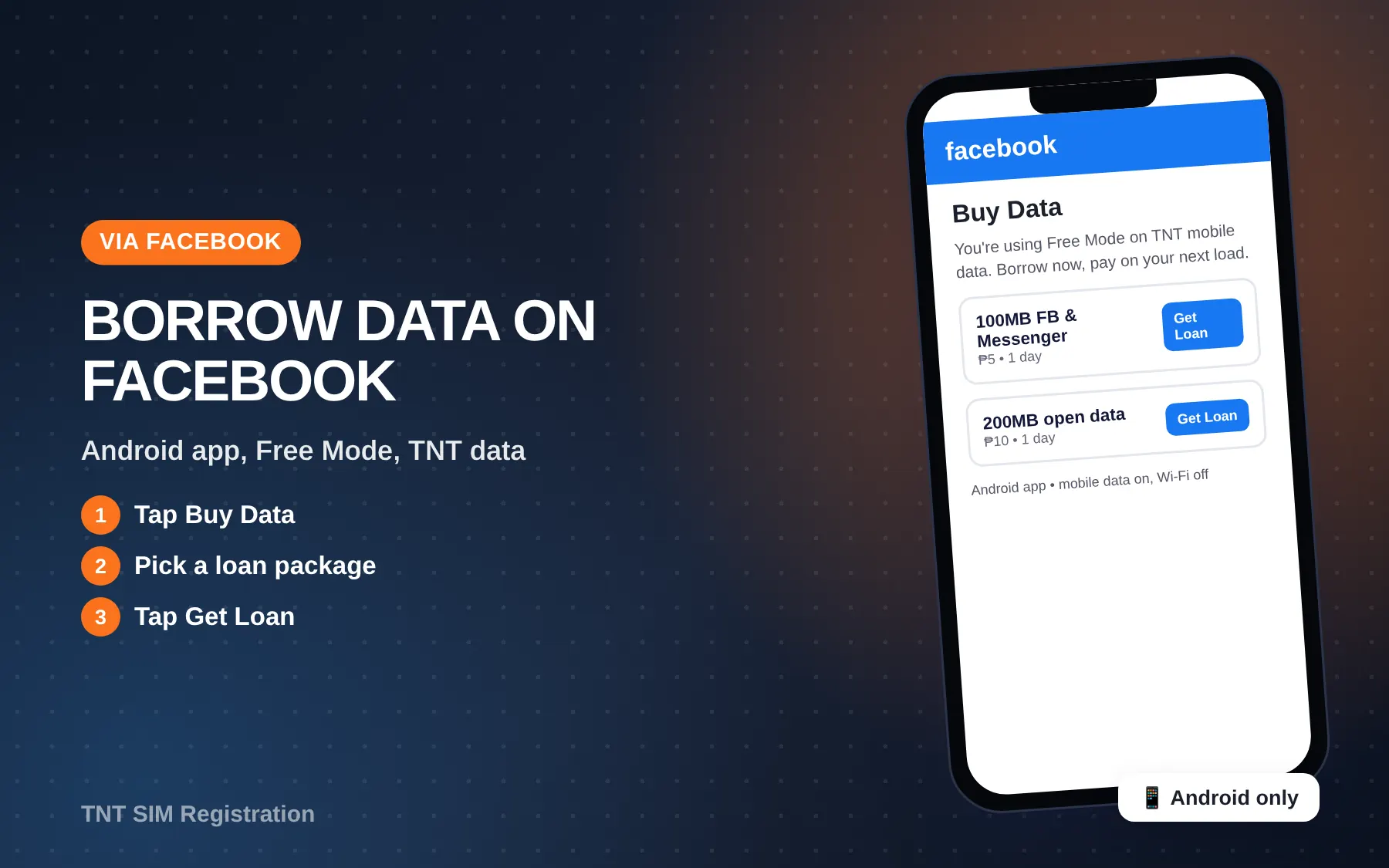
Method 3: Facebook
- Open the Facebook app on Android, with mobile data on and Wi-Fi off.
- Tap Buy Data or Use Data at the top.
- Choose your loan package and tap Get Loan.
- Confirm. You’ll see a success message on Facebook and get a text.
How to Check Your Loan Balance
Text SAKLOLOAD BAL to 7676. TNT also lists SOS BAL to 7676 for Smart subscribers. The reply shows how much you still owe.
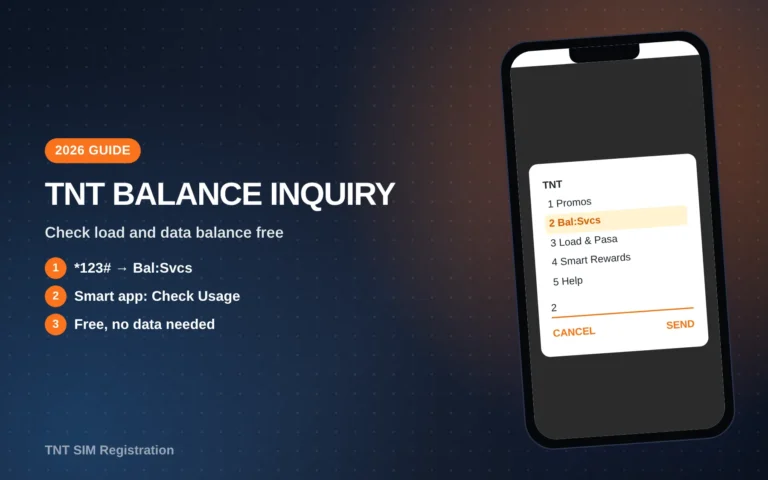
This is different from your regular load. To see your actual load and promos, use *123# → Bal:Svcs → Balance, as shown in our TNT balance inquiry guide.
How to Pay Back Your Utang
You don’t have to do anything. TNT collects the loan from your next prepaid load. For example, if you borrowed the ₱10 load (₱12 due) and then load ₱50, about ₱38 will be left.
You can also pay early by texting PAY to 7676. That needs enough load balance to cover the amount.
What repayment looks like
| You borrowed | You then load | Deducted | Left on your SIM |
|---|---|---|---|
| 200MB (₱10) | ₱20 | ₱10 | ₱10 |
| 5 Allnet SMS (₱5) | ₱10 | ₱5 | ₱5 |
| ₱10 load (₱12) | ₱50 | ₱12 | ₱38 |
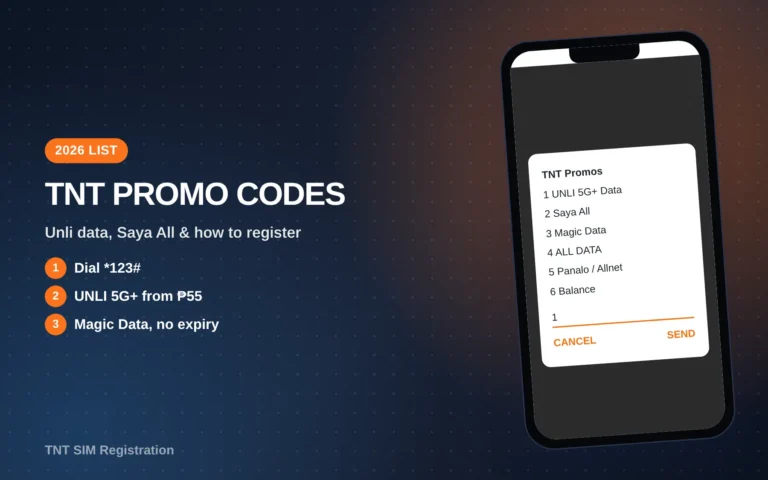
If you plan to register a promo right after loading, add the loan amount on top. Otherwise the deduction may leave you short for the promo. Our TNT promo codes list shows promo prices so you can work out how much to load.
Why Your Loan Request Failed
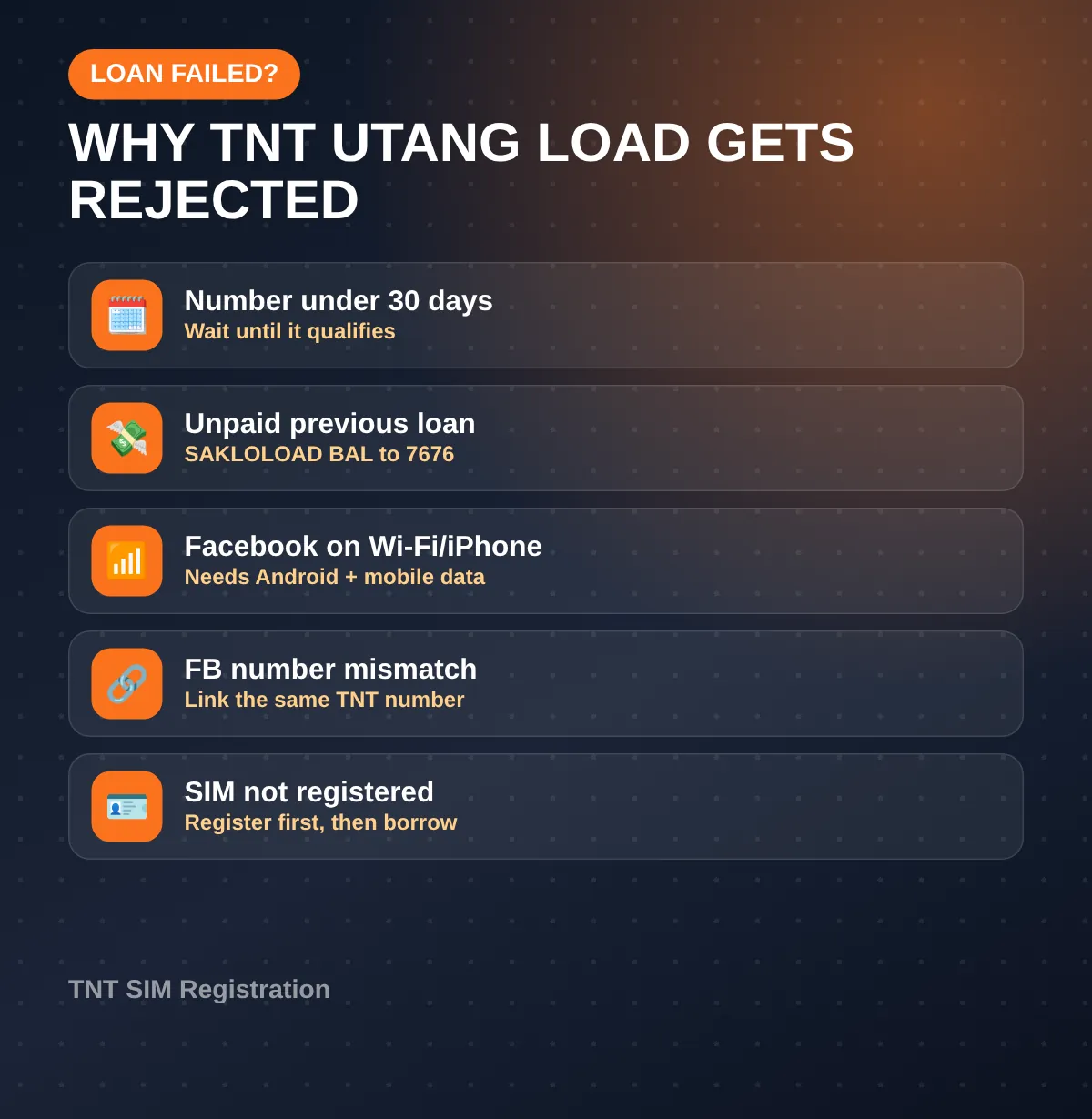
- The number is under 30 days old. Wait until it qualifies.
- You still owe a previous loan. Check with SAKLOLOAD BAL to 7676 and pay it first.
- You used Facebook on Wi-Fi or iPhone. The Facebook method needs Android and mobile data.
- The Facebook number doesn’t match. Link the same TNT number to Facebook.
- The SIM isn’t registered or active. See our TNT SIM registration guide.
Avoid Surprise Deductions
Some TNT users on Reddit report load disappearing after borrowing. In most cases it’s the loan being collected, or data running with no promo after the borrowed 200 MB runs out. A few habits help:
- Turn off mobile data once the borrowed data is used or expires.
- Remember the amount owed before you load, so the deduction isn’t a shock.
- Don’t borrow twice by accident. The menu won’t give a second loan until the first is paid, but double-check the confirmation text.
- Call *888 if a deduction doesn’t match any loan you took. More channels are on our TNT help number page.
Utang na Load vs. Pasa Load
| Utang na Load | Pasa Load | |
|---|---|---|
| Who pays | You, from your next load | The person sending |
| Needs someone else? | No | Yes |
| Amounts | ₱5 to ₱12 | ₱2 to ₱200 by text |
| Fee | Built in, or ₱2 for ₱10 load | ₱1 per transfer |
| Confirmation | Text after you confirm | Text to both sender and receiver |
If a friend or family member can send you load, Pasa Load avoids the debt entirely. See our Pasaload in TNT guide.
Smart Users: SOS Load
TNT and Smart share the same loan system, which is why TNT’s page mentions both SakloLoad and SOS. Smart Prepaid users check their loan with SOS BAL to 7676. If you have a Smart SIM and a TNT SIM, remember that an unpaid loan on one can block a new loan, since TNT asks for no existing loan balance “with Smart or TNT.”
Video Tutorial
How To Loan Load In TNT (Au Tech) walks through borrowing on a TNT SIM. The offers in your menu may differ from the video.
 How To Loan Load In TNT
FAQs
How do I get a TNT utang load?
Dial *5623#, select 1, pick an offer and confirm. You can also go through *123# → Bal:Svcs → Utang na Load.
How much can I borrow on TNT?
TNT’s official offers are 100 MB for Facebook (₱5), 200 MB (₱10), 5 texts (₱5) and ₱10 load (₱12 with fee).
Can I borrow load with a new TNT SIM?
Not right away. The number has to be active for at least 30 days.
How do I pay my TNT loan?
It’s taken from your next load automatically. To pay early, text PAY to 7676 with enough load.
Can I borrow again before paying?
No. TNT requires no existing loan balance with Smart or TNT.
Conclusion
A TNT utang load gets you through a short emergency: dial *5623#, pick from four small offers, and the amount comes out of your next load. You now know who qualifies, how to check what you owe, and how to stop the repayment from catching you off guard.
Last verified: October 17, 2026, against tntph.com’s Utang na Load and Other Services pages.