Every official channel
TNT Help Number 2026: Hotline, *888 and Every Way to Get Help
- TNT Help Number and All Official Contact Channels
- How TNT and Smart Support Work Together
- How to Reach a Live Agent
- Chat and Online Support
- Which Channel to Use for Your Problem
- Before You Call: What to Prepare
Quick answer: The TNT help number is *888, which is toll-free when you dial it from a TNT SIM. From a landline or another network, call (02) 8888-1111. You can also message TNT on Facebook Messenger at m.me/TNTph, use the Smart app, or walk into any Smart Store.
TNT is a Smart brand, so Smart’s support team handles TNT customers too. That’s why you’ll see Smart’s name everywhere. This page lists every official channel, tells you which one fits your problem, gives quick fixes to try before you call, and explains how to escalate to the NTC if TNT doesn’t fix things.
TNT Help Number and All Official Contact Channels
| Channel | Number / address | Cost | Best for |
|---|---|---|---|
| Mobile hotline | *888 from a TNT/Smart SIM | Toll-free | Most problems |
| Landline hotline | (02) 8888-1111 | Regular landline rates | When your SIM is dead, lost or stolen |
| Number-porting hotline | 8-848-8888 from a landline | Regular rates | Mobile Number Portability questions |
| Facebook Messenger | m.me/TNTph | Uses data | Written proof of your concern |
| X (Twitter) | @tntph | Uses data | Quick public follow-ups |
| Smart app / MySmart | Help section | Free on Smart LTE (per the app listing) | Load, promo and balance questions |
| Smart Stores | Branches nationwide | Free | SIM replacement, ID issues, eSIM, registration help |
The two main hotline lines appear under “Contact Us” on every page of tntph.com. The porting line comes from TNT’s MNP page. Smart Help also mentions a chatbot and an official livesmart Telegram channel.
How TNT and Smart Support Work Together
There’s no separate “TNT company” support desk. TNT, Smart Prepaid and Smart Bro all share Smart’s hotline, stores and systems. In practice:
- A Smart Store can handle any TNT concern.
- Smart Help articles cover TNT, even when the title only says “Smart.”
- Calling Smart’s landline gets you the same agents as *888.
How to Reach a Live Agent
The hotline starts with a recorded menu. Listen to the options and pick the one closest to your problem. The menus change, so we don’t list exact key presses here.
Tips that help:
- Call early in the morning or late at night to avoid long queues.
- If your problem is “no signal,” call from a different phone.
- Write down the agent’s name and the reference number they give you.
Is it 24/7? Several guides say yes, but TNT’s own pages don’t state the hotline hours.
Chat and Online Support
Messenger is often the easiest route, and you get a written record. Open m.me/TNTph, describe the problem in one message and include your number. Never send your OTP or full card details.
For self-service, the Smart app shows your balance, active promos and usage. MySmart (my.smart.com.ph) handles account tasks, including the eSIM upgrade.
Which Channel to Use for Your Problem
SIM registration help
Dial *888 or visit a Smart Store. TNT’s registration page lists the hotline, Messenger, the app and stores as official help channels. Our registration guide also covers the common OTP and ID errors.
Lost, stolen or damaged SIM
Call (02) 8888-1111 from another phone to report it, then go to a Smart Store. TNT’s FAQ says you’ll get a replacement SIM with the same registered number. Bring a valid ID.
PUK-locked SIM
The PUK is printed on the original SIM card holder. Lost the holder? Contact *888 from another number or go to a Smart Store with your ID, since they need to confirm you’re the registered owner.
Promo or load problems
Check the Smart app first, since it shows your active promos and balance. If a paid promo isn’t showing, contact *888 with the time and the reference from the confirmation text. See our guide to current promos for the current list.
eSIM questions
TNT’s eSIM FAQ points to (02) 8888-1111, *888 and Messenger. The eSIM setup guide covers upgrades, the “not eligible” error and replacement QRs.
Phone unlocking
TNT’s terms say unlock requests go through Smart Stores, the hotline or social channels, and take at least two business days once your papers are complete.
Switching networks (MNP)
For porting questions, TNT lists *888 (free from Smart, Sun or TNT) and 8-848-8888 from a landline.
Before You Call: What to Prepare
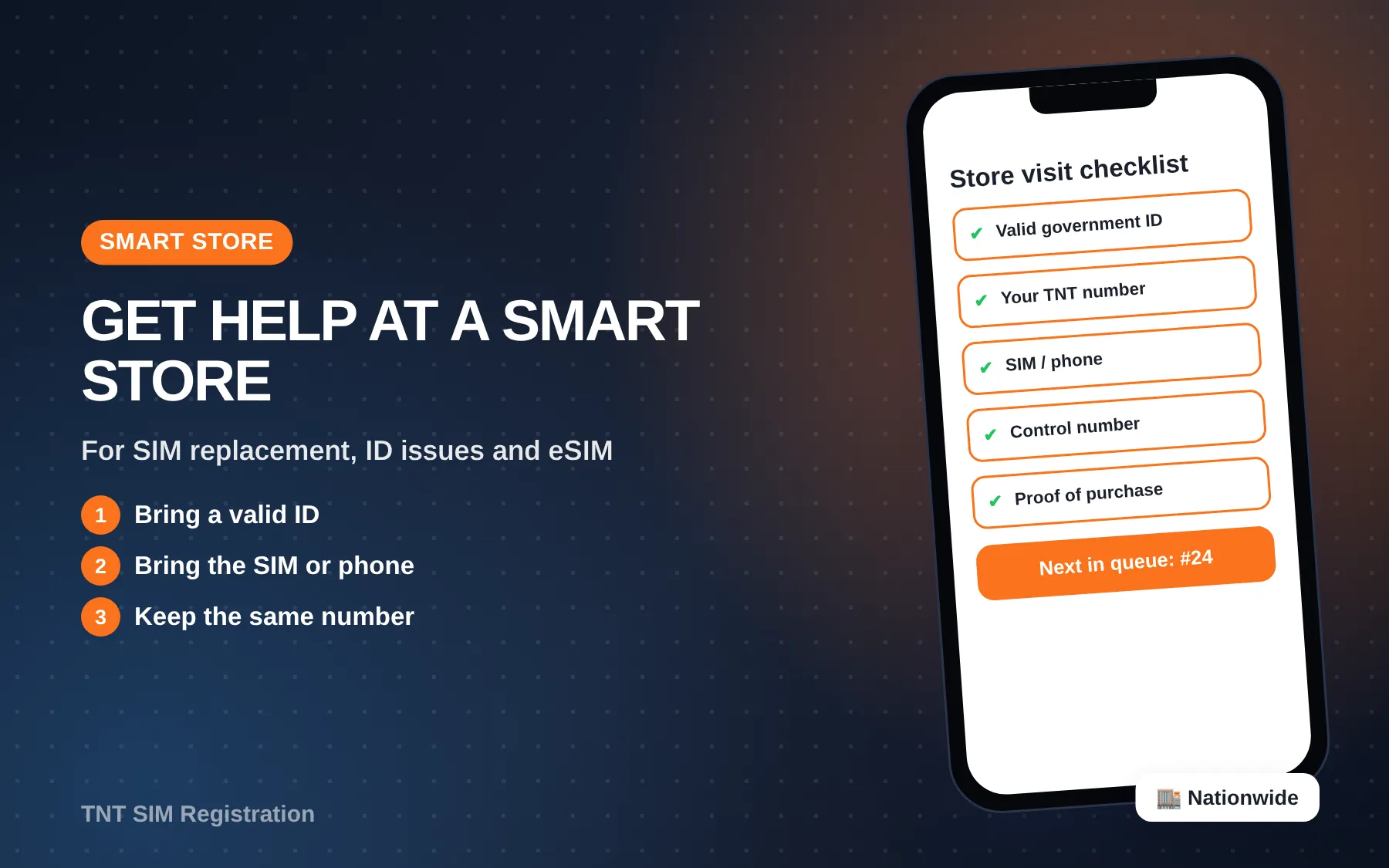
Have these ready before you call:
- Your TNT number, plus another number where they can reach you
- A valid ID, since they may verify that you’re the owner
- The SIM’s serial number, if you need a replacement
- Screenshots of errors or texts
- The date and time the problem started
Having this ready usually turns a long call into a short one.
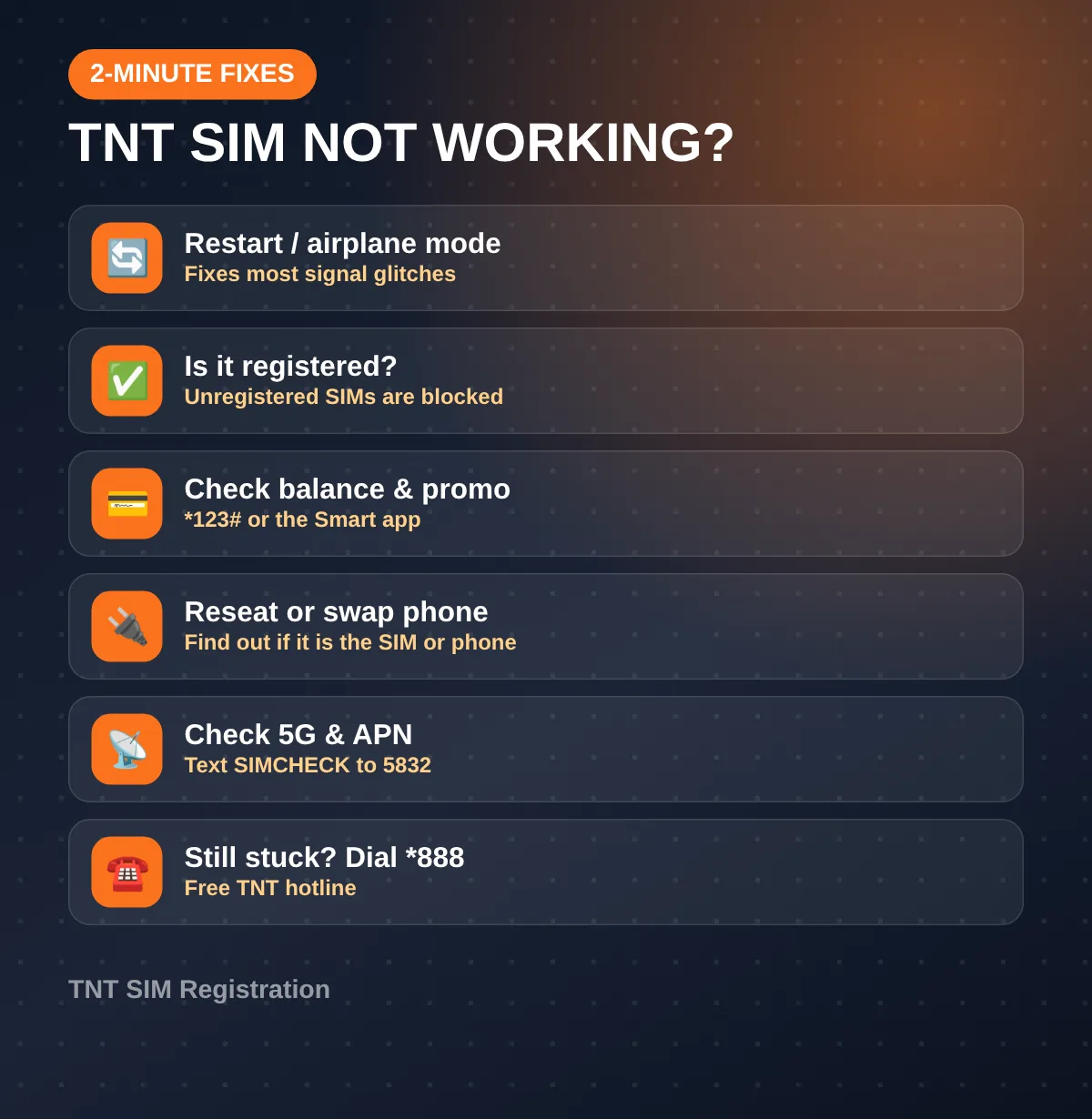
TNT SIM Not Working? Try These First
Before you call the hotline, know that many “my TNT SIM isn’t working” problems can be fixed in two minutes:
- Restart the phone, or turn airplane mode on and off.
- Make sure the SIM is registered. Unregistered SIMs don’t work under RA 11934.
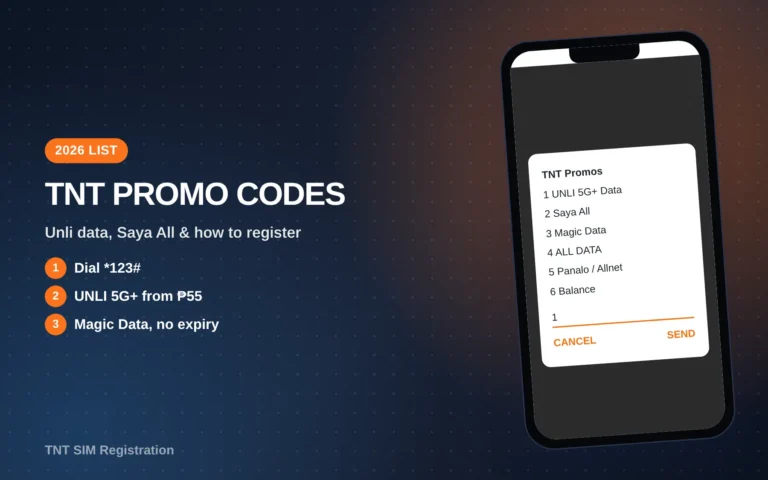
- Check your balance and promo with *123# (Bal:Svcs) or the Smart app.
- Reseat the SIM. Power off, take it out, wipe it and put it back.
- Try it in another phone. If it works there, your phone is the problem.
- Think about how long it sat idle. TNT’s terms, last updated October 2, 2025, say an activated SIM with zero load for 120 days in a row is permanently disconnected. An older Smart Help page says 180 days, so play it safe and reload before 120 days. A disconnected number can’t be restored, and you’ll need a new SIM.
- Check 5G. If data drops only in some places, your SIM may not be 5G-ready. Text SIMCHECK to 5832 for free.
- Check the APN. If calls work but data doesn’t, look at your mobile network settings, or ask the TNT help number (*888) for the correct APN.
If none of these work, use the TNT help number, *888.
Escalating to the NTC
If TNT doesn’t resolve your complaint, you can file it with the National Telecommunications Commission (NTC), the government regulator for telcos. The NTC lists these channels:
| NTC channel | Contact |
|---|---|
| 24/7 consumer hotline | 1682 |
| consumer@ntc.gov.ph | |
| Scam texts | kontratextscam@ntc.gov.ph |
| Landlines (Mon–Fri, 8 a.m.–5 p.m.) | (02) 8920-4464, (02) 8926-7722, (02) 8921-3251 |
| Online | the complaint link on ntc.gov.ph |
For SIM-registration complaints, the government also points people to the DICT complaint center hotline, 1326. Keep your TNT reference numbers, since the NTC will ask what you’ve already tried.
Fake Hotlines and Scams
- TNT’s real numbers are *888 and (02) 8888-1111 (plus the porting line above).
- No real agent will ask for your OTP, PIN or full card number.
- Ignore texts saying your SIM will be blocked unless you click a link.
- The NTC has warned about callers pretending to be NTC staff and demanding payment to “clear” your number. Report them to 1682.
Video: Calling the Hotline
Paano Tumawag sa Globe, Smart at Talk N Text Hotline? | Tutorial (RENAN GONZALES) shows how dialing the hotline works.
 Paano Tumawag sa Globe, Smart at Talk N Text Hotline? | Tutorial
FAQs
Is the *888 TNT help number free?
Yes. TNT lists *888 as toll-free when you dial it from your mobile.
What is TNT’s landline number?
2) 8888-1111. TNT lists it on its official site.
Can I chat with TNT online?
Yes, on Facebook Messenger at m.me/TNTph.
Can I email TNT?
TNT’s site doesn’t list a support email. Use Messenger for written support.
Where do I complain if TNT ignores me?
The NTC: hotline 1682 or consumer@ntc.gov.ph.
Conclusion
You now have every official TNT help number and channel, know which one fits your problem, have a checklist for fixing a SIM before you call, and know how to escalate to the NTC if you need to. For most issues, dialing *888 from your TNT SIM is the fastest way to a real answer.
Last verified: October 14, 2026, against tntph.com, Smart Help, NTC regional sites and the government’s FOI portal.